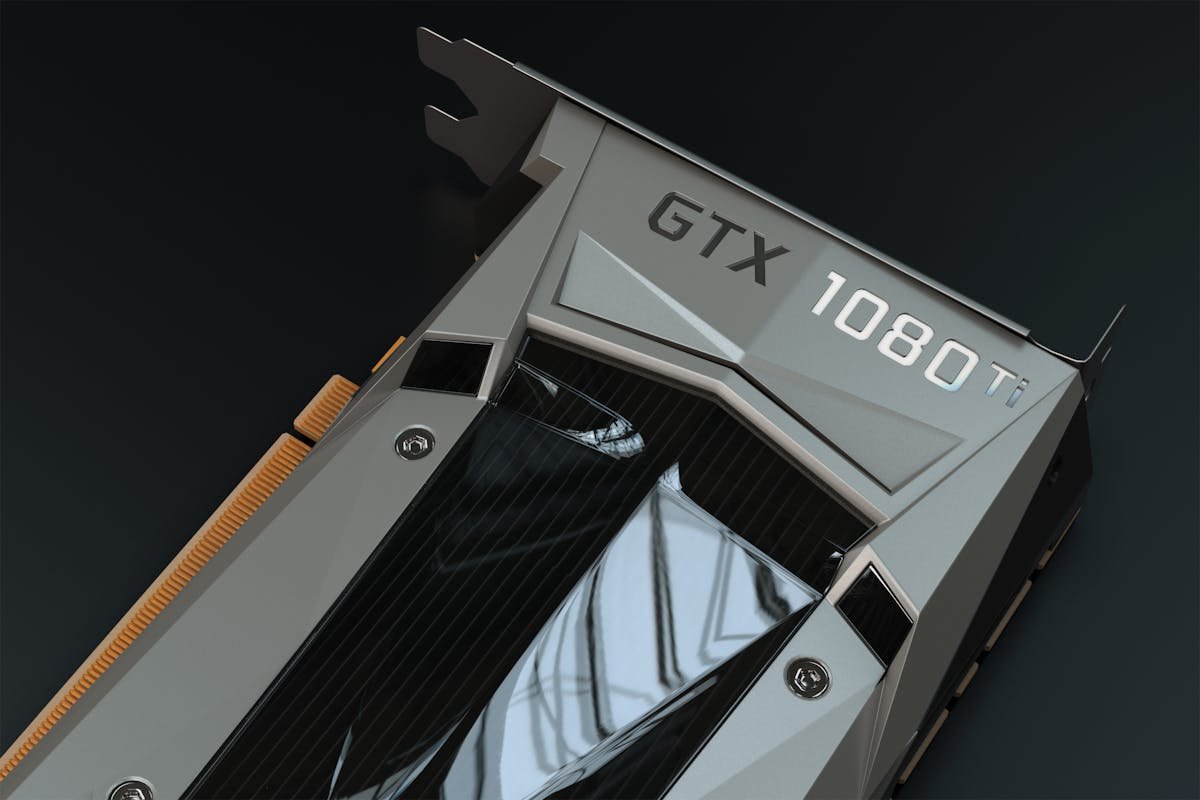
Nvidia GreenBoost Turns Your System RAM and NVMe Into Extra GPU VRAM — Here Is What That Actually Means for Your Server Workloads
I have been running into the same wall for over a year now: my GPU has 24GB of VRAM, the model I want to load needs 32GB, and buying a new card costs more than my first car. This week, a project called Nvidia GreenBoost showed up on Hacker News with 404 points, and it claims to solve exactly this problem by transparently extending your GPU VRAM using system RAM and NVMe storage.
Naturally, I had to dig in.
How Nvidia GreenBoost Extends GPU VRAM Using System RAM
GreenBoost is an open source project (hosted on GitLab) that creates a transparent memory layer between your GPU and your system memory. The idea is not new — CUDA unified memory has existed for years, and Apple's M-series chips already share memory between CPU and GPU. But GreenBoost takes a different approach: it intercepts CUDA memory allocations and intelligently pages data between GPU VRAM, system RAM, and even NVMe storage.
Think of it like virtual memory for your GPU. When your VRAM fills up, instead of crashing with an out-of-memory error, GreenBoost moves less-frequently-accessed data to system RAM. If RAM fills up too, it spills to NVMe. The GPU keeps working as if it had a much larger memory pool.
The critical word here is transparently. You do not need to modify your application code. You do not need special model formats. You run the same PyTorch or CUDA workload you always would, and GreenBoost handles the memory management behind the scenes.
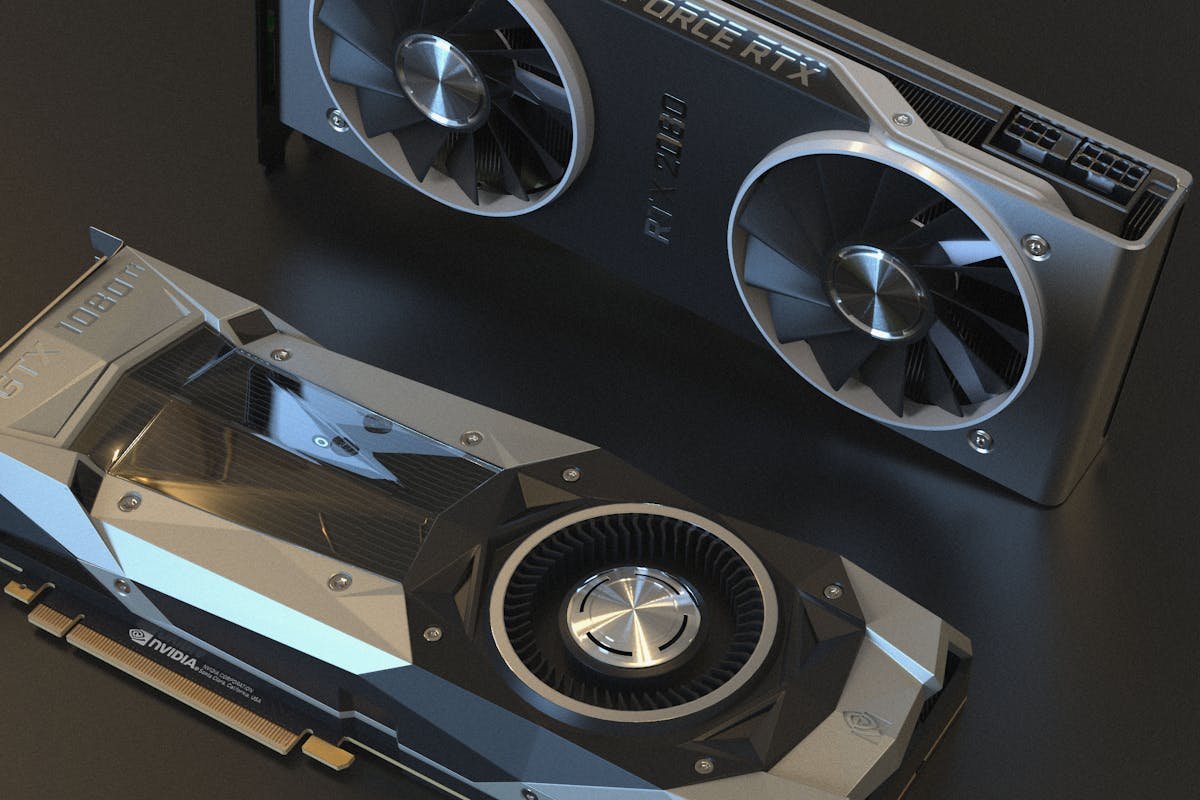
The Performance Reality Check
Before anyone gets too excited — and I got very excited when I first read about this — there is no free lunch in computer science. System RAM runs at maybe 50-60 GB/s on a modern DDR5 platform. GPU VRAM on an RTX 4090 runs at nearly 1 TB/s. NVMe storage? Around 7 GB/s for a fast Gen 4 drive.
That is a 15-20x bandwidth gap between VRAM and system RAM, and a 140x gap between VRAM and NVMe. So yes, you can load a bigger model, but depending on how much data needs to shuttle between memory tiers, you will see a performance hit.
How much of a hit depends heavily on the workload:
- LLM inference (single prompt): Moderate impact. During prefill, most of the model weights get loaded once and stay in VRAM. The KV cache grows but is accessed sequentially. GreenBoost can page out dormant layers while active ones stay in VRAM. Expect 30-50% slower throughput compared to everything fitting in VRAM natively.
- Batch inference: Bigger hit. Multiple concurrent requests mean more KV cache, more memory pressure, more swapping. Could see 2-3x slowdown.
- Training: Significant impact. Backward passes need gradients for all layers, which means constant memory shuffling. Probably not practical for serious training, but could work for fine-tuning small adapters.
- Image generation: Surprisingly okay. Diffusion models load the UNet once and run it repeatedly. If the model fits mostly in VRAM with a small overflow, the performance impact can be under 20%.
Who Actually Benefits From This
Rachel from our testing team and I talked through the use cases over lunch, and we landed on a few scenarios where GreenBoost makes genuine sense:
1. Testing models before committing to hardware. You want to evaluate a 70B parameter model but you only have a workstation with two RTX 4090s (48GB total). Without GreenBoost, you are stuck with quantized versions or API calls. With it, you can load the full model — slowly — and actually test whether the quality difference justifies renting A100s.
2. Dev/staging environments. Production runs on H100s with 80GB VRAM each. But your developers have consumer GPUs. GreenBoost lets them run the same models locally for debugging and development, accepting the performance hit in exchange for not needing to SSH into expensive cloud instances for every test run.
3. Small-scale self-hosting. If you are running a personal LLM server for a household — maybe 2-3 concurrent users — the throughput requirements are low enough that VRAM spillover to system RAM barely matters. You might go from 15 tokens/second to 10 tokens/second, which is still perfectly usable for chat.
Where it does NOT make sense: production inference at scale, anything latency-sensitive, or training from scratch. For those, you still need actual VRAM. Sorry.
Comparison With Other VRAM Extension Approaches
GreenBoost is not the only solution to the VRAM problem. Here is how it stacks up:
llama.cpp offloading: Already supports splitting model layers between GPU and CPU. But it only works with GGUF format models and requires manual configuration of how many layers go where. GreenBoost is format-agnostic and automatic.
DeepSpeed ZeRO-Infinity: Microsoft's solution for training with CPU and NVMe offloading. Much more mature, but designed for distributed training, not single-GPU inference. Requires code changes.
Apple Unified Memory: M-series chips share the same memory pool between CPU and GPU. No performance cliff because there is no separate VRAM. But this only works on Apple hardware and tops out at 192GB on the M2 Ultra.
NVIDIA Unified Memory (CUDA): The official NVIDIA solution. Works, but can have unpredictable performance characteristics. GreenBoost claims better page management policies.
If you have been following our cloud GPU comparisons, the value proposition is clear: GreenBoost does not replace renting cloud GPUs for heavy workloads, but it makes local experimentation viable on hardware you already own.
The Server Hardware Sweet Spot
If you are going to use GreenBoost seriously, your system configuration matters a lot. Here is what I would recommend based on the memory hierarchy performance:
- RAM: As much DDR5 as you can afford. 128GB is the sweet spot for running 70B models with comfortable spillover. DDR5-5600 or faster.
- NVMe: A fast Gen 4 or Gen 5 drive dedicated to swap. Samsung 990 Pro or WD SN850X are solid choices. Do NOT use a SATA SSD — the bandwidth is pathetic.
- GPU: Ironically, you still want as much VRAM as possible. GreenBoost is a fallback, not a replacement. An RTX 4090 with 24GB + GreenBoost is better than a 3060 with 12GB + GreenBoost.
- PCIe: Make sure your GPU is in a PCIe 4.0 x16 slot. If it is running at x8, you are cutting your CPU-GPU bandwidth in half, which makes spillover even slower.
For rack-mounted servers, this gets more interesting. A dual-socket EPYC system with 512GB of DDR5 and four RTX 4090s could theoretically run models that would normally need A100 80GB cards. The performance would not match — probably 40-60% of native speed — but the cost difference is massive. An A100 runs $10,000+. An RTX 4090 is under $2,000.
What This Means for Cloud and Hosting Providers
I think we will see some cloud providers adopt GreenBoost or similar technology for their lower-tier GPU instances. Right now, if you rent a cloud GPU with 24GB VRAM, you are stuck with 24GB. But a provider could offer GreenBoost-enabled instances where your effective VRAM extends into the instance's system RAM.
Would it be slower? Yes. Would customers pay for it? Absolutely — if it means loading a 34B model on a 24GB card instead of upgrading to an 80GB instance at 4x the price.
This also fits into the broader trend we have been tracking with server hardware concerns — the gap between what you need and what you can afford keeps growing, and creative memory management is one way to bridge it.
Should You Try GreenBoost on Your Server?
If you are running local AI workloads and regularly hitting VRAM limits, yes. The project is open source, the setup appears straightforward, and the worst case is you go back to what you were doing before.
If you are running production workloads where latency and throughput matter, no. Stick with proper GPU provisioning. The performance unpredictability of memory tiering is not worth the risk for customer-facing services.
For everyone in between — developers, hobbyists, small teams doing AI experiments — GreenBoost might be the most interesting GPU memory project to come out of 2026 so far. It does not solve the fundamental problem of GPU VRAM being expensive, but it makes the pain a lot more manageable.
I am setting it up on my workstation this weekend. If it lets me load Llama 3 70B on a single 4090 at even half speed, that is still faster than waiting in a RunPod queue.
Planning your GPU infrastructure? Compare RunPod vs Vast.ai pricing and Hetzner vs DigitalOcean vs Vultr benchmarks.
— Written from 11+ years of hands-on server operations at Warung Digital Teknologi (wardigi.com), including migrations, cost optimization, and performance tuning.
Found this helpful?
Subscribe to our newsletter for more in-depth reviews and comparisons delivered to your inbox.